Features
Food logging, meal components, recipes, AI entry with your own key, keto modes, open export, browser PWA, and Android extras. No ads or analytics.
Calorie and macro tracking as an installable PWA in any modern browser and as an Android app. Log food, review meal components, save recipes, and export open JSON on both clients.
Food logging
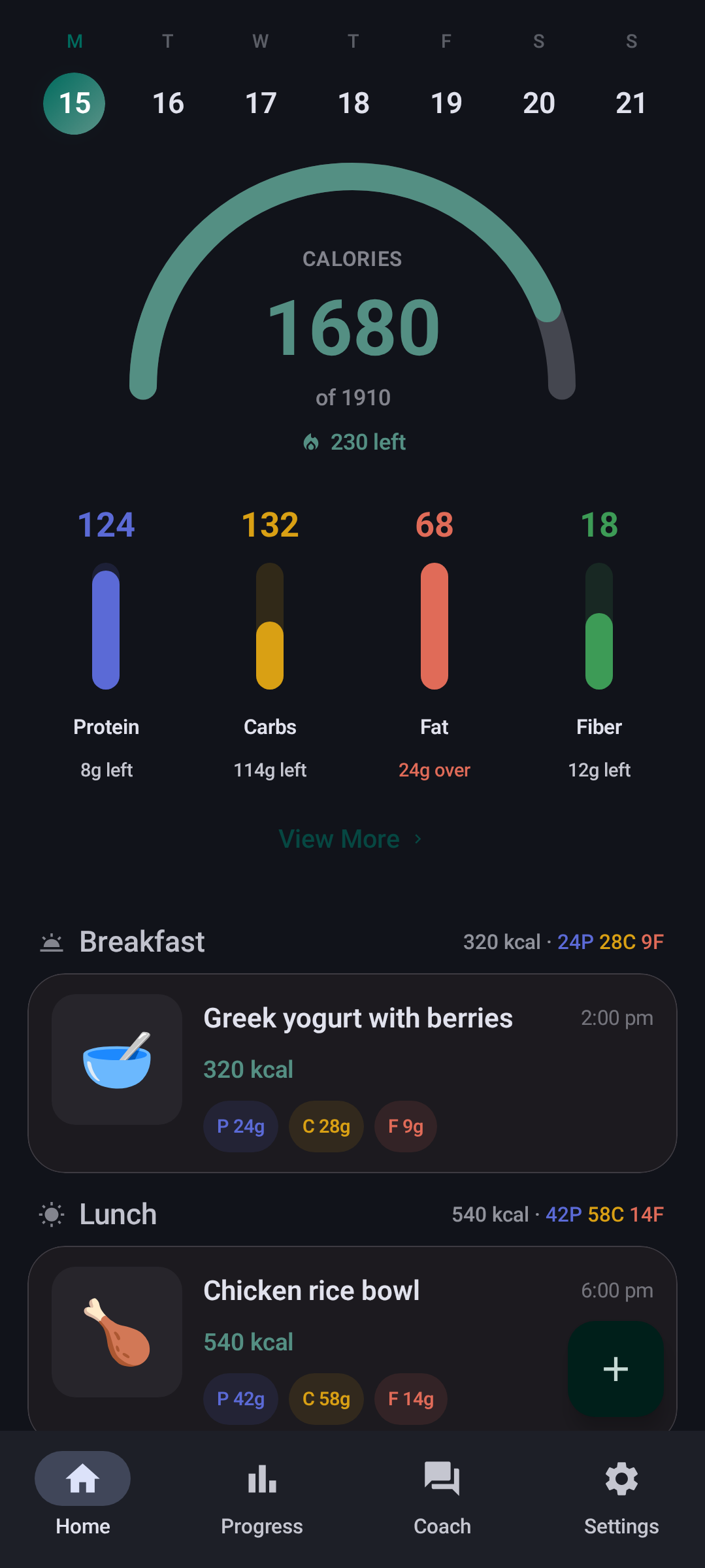
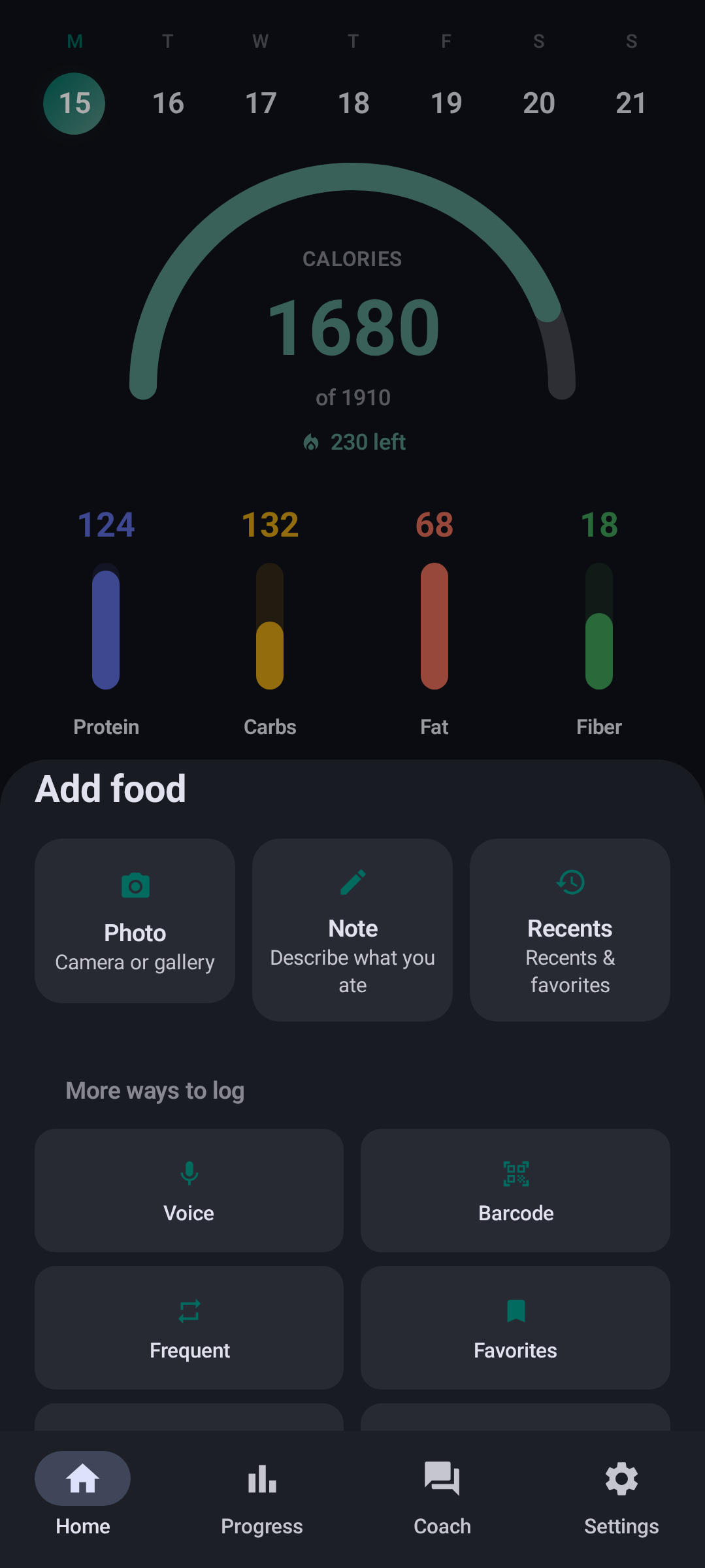
Multi-photo capture (up to 10), share into the Android app, voice, barcode, text, manual entry, and saved meals. Draft recovery if analysis is interrupted. Barcode scans resolve against Open Food Facts (4.6M+ products; results cached for offline use), and photo analysis can read codes from the image.
Food search (Android)
Live Open Food Facts search plus offline USDA and Swiss Food Composition indexes.
Meal components
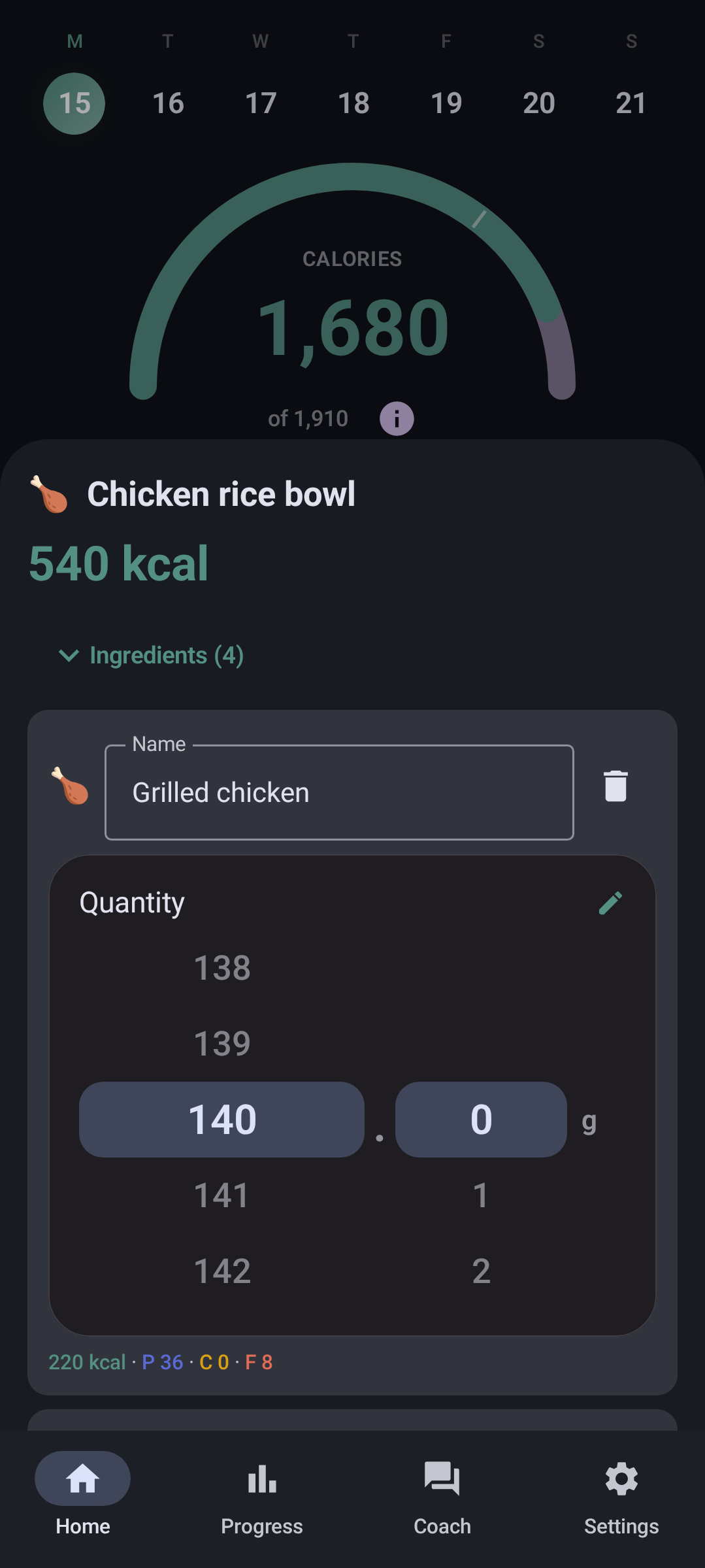
After AI or manual review, expand ingredients in the meal sheet. Edit grams or units per row, add or remove items, and keep meal totals aligned with the parts.
Recipes and saved meals
Recents, frequent foods, favorites, and multi-ingredient recipes. Log a whole recipe in one tap, or open the builder to scale ingredients.
Food analysis
Photo and text analysis shows clear progress steps (including barcode lookup when photos contain codes). Nutrition fields fill in as the model replies, so you can see what is coming before the final review sheet.
Browser PWA
The Chompass PWA runs in any modern browser on phone, tablet, or desktop (including desktop webcams for meal photos and barcode). Install to the home screen or dock when offered. Covers diary, progress, AI entry and Coach with your own key, settings, and onboarding. Diary and body-metrics JSON match the Android app. Chromium-based browsers work best for install, camera barcode, and speech; Firefox and Safari work with some feature gaps.
Android-app extras: Health Connect, widgets, notifications, and on-device Gemma 4.
On-device AI (opt-in, Android app)
On-Device (Private) in Settings → AI & Speech runs Gemma 4 Edge (E2B or E4B) via LiteRT-LM. One-time download (about 2.4-3.4 GB). No API key and no server upload for food text or photo analysis. Cloud AI remains more accurate; optional fallback retries in the cloud when on-device fails. The PWA has no on-device option; it always uses cloud AI with your own key.
Accuracy, honestly
Accuracy comes down to the model you pick, not a Chompass secret. We test against labeled datasets and publish the results instead of quoting a single accuracy number.
Typed entry with a stated portion is close to solved: about 90% of estimates land within 20% of true calories. Photo entry is harder. Even the best AI models we tested land within 20% only about half the time, and that is true across the vision AI industry, not just here. A meal title or ingredient list without quantities is not the same as typed entry with grams. It may help identification on some models and datasets, but it does not close the portion gap. Full write-up: published accuracy notes.
AI Coach
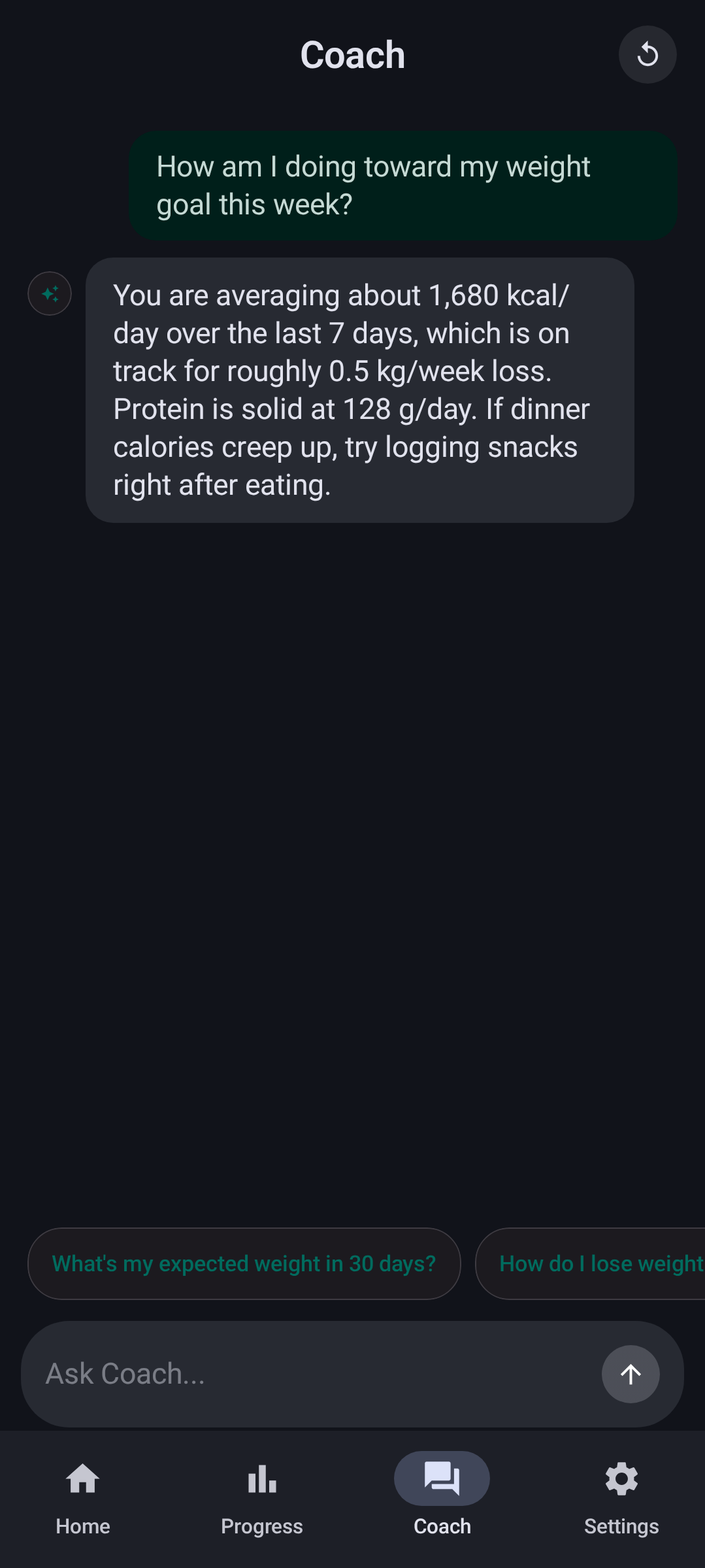
Chat with your own provider key on both clients. Optional fallback provider. Replies follow the app language.
Diet modes
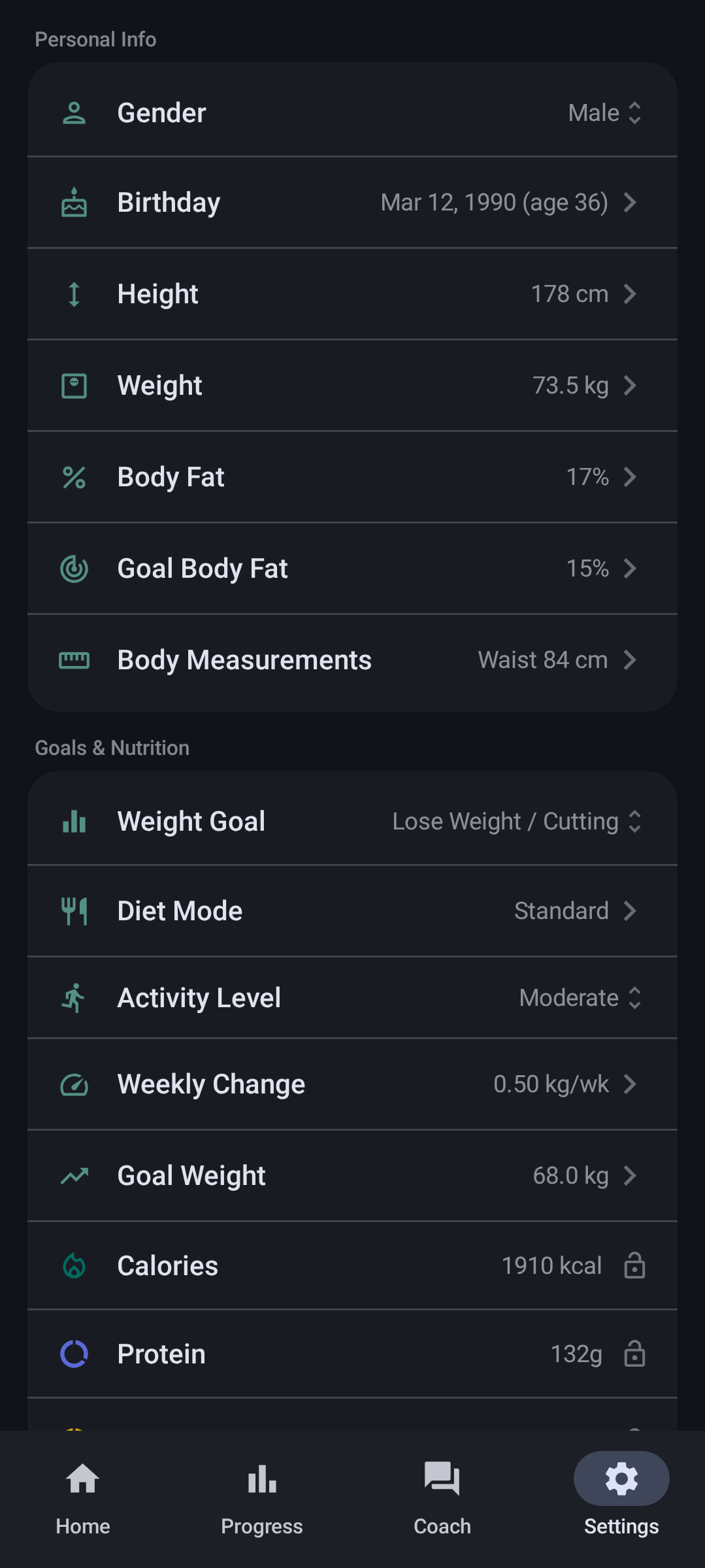
Including keto carb mode. Goals, meal advice, and Coach stay in sync on both clients.
Progress and Health Connect
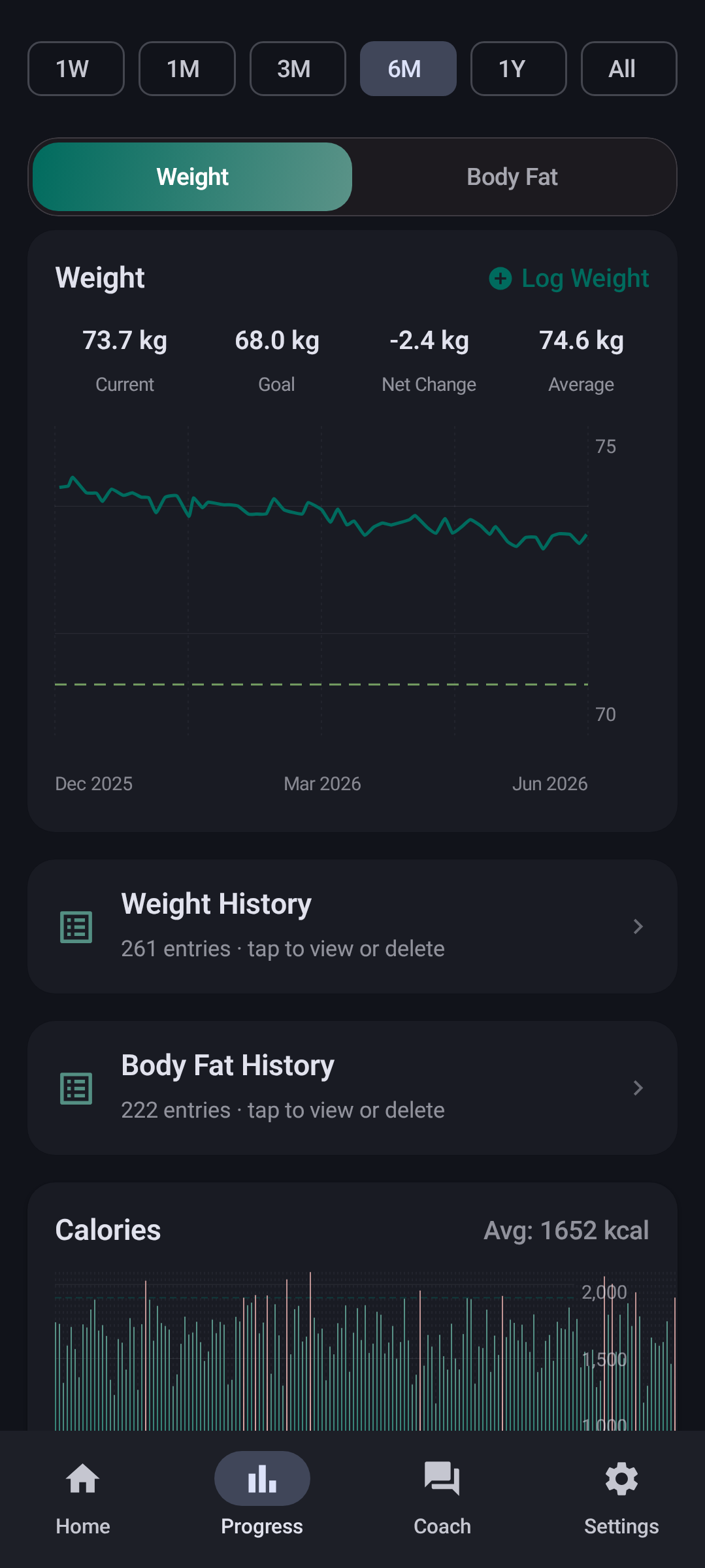
Weight, body fat, calorie history, and goals on both clients. On the Android app: steps/exercise and wellness (sleep, HR, hydration) via Health Connect. Two-way sync; live meal import from other apps; optional background sync (off by default). Works with Gadgetbridge, openScale, Samsung Health, and other Health Connect companions. No vendor SDKs.
Live calorie budget (Android)
The home ring runs on Add Active mode: the daily goal grows with the day’s burn instead of sitting fixed. Burn comes from what Health Connect measured, from a manual entry you add in Add Food (name and kcal, useful after a run you did not log with a device), or from an estimate when there is no live data: your 14-day active average from Health Connect history, then your activity-level estimate. The ring compares today’s burn with a typical day, and widgets use the same budget.
Water, widgets, export
Optional local water log. Android app: reminders and home-screen calorie, protein, metrics, and water widgets. Diary export (JSON / Markdown / CSV), weight and body-metrics import/export, meal sharing, and bulk JSON import on both clients.
Settings
The settings guide lists every toggle on Android and the PWA. Exclusive rows are marked.
Upstream credit
Chompass is based on Fud AI by Apoorv Darshan. Huge thanks for the open, bring-your-own-key food logger. Prefer workouts and the full upstream set? Use Fud AI.
| Feature | Fud AI | Chompass Android | Chompass PWA |
|---|---|---|---|
| Banner ads | Brief AdMob; removed in 3.0.3 | Never shipped | Never shipped |
| On-device AI (Gemma 4) | No | Yes (opt-in) | No (cloud, your key) |
| Barcode | ML Kit | FOSS zxing-cpp | Browser / OFF |
| Workouts library | Yes (~120 MB APK) | Omitted (~17 MiB arm64) | Omitted |
| Keto / diet modes | No | Yes | Yes |
| Health Connect | Partial | Steps, exercise, sleep, HR, hydration | No |
| Widgets / notifications | Upstream set | Yes | No (installable PWA) |
| Languages | Upstream | 18 | 18 (core screens) |
| Distribution | Play-focused | F-Droid / Obtainium / Codeberg | PWA in any modern browser |
| Open diary / body JSON | Upstream formats | Yes | Same contracts as Android |
- No ads, no analytics: never shipped AdMob; no tracking SDKs
- FOSS barcode: zxing-cpp on Android; browser / Open Food Facts in the PWA
- Lean APK: no workouts tab or bundled exercise library (~17 MiB arm64 / ~19 MiB universal in v5.11.0, vs ~120 MB upstream with workouts)
- Open data: export diary and body metrics; import JSON, CSV, openScale, Health Connect (Android app)
- PWA + Android: installable PWA in any modern browser; Material 3 Android app; shared JSON contracts
Full comparison also lives in the project README. Upstream: Fud AI releases.